

How It Works
Get, Compare, and Buy Your Super Visa Insurance
A quick walkthrough of the real screens you'll use — from your first quote to a completed purchase.
Step by Step
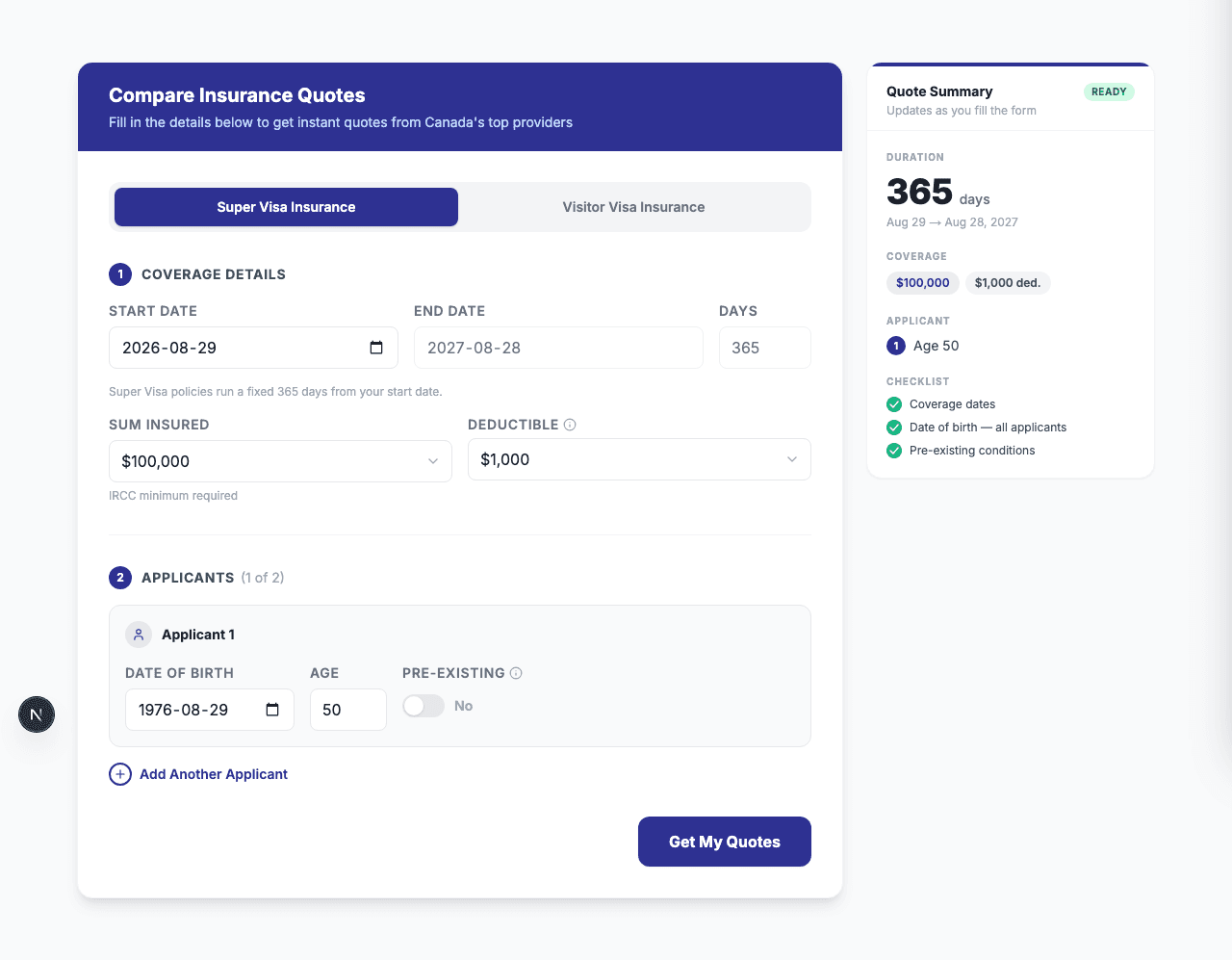
Get quotes from every provider at once
Fill in your travel dates, coverage amount, and applicant details on the home page calculator, and see instant quotes from all our partner insurers side by side.
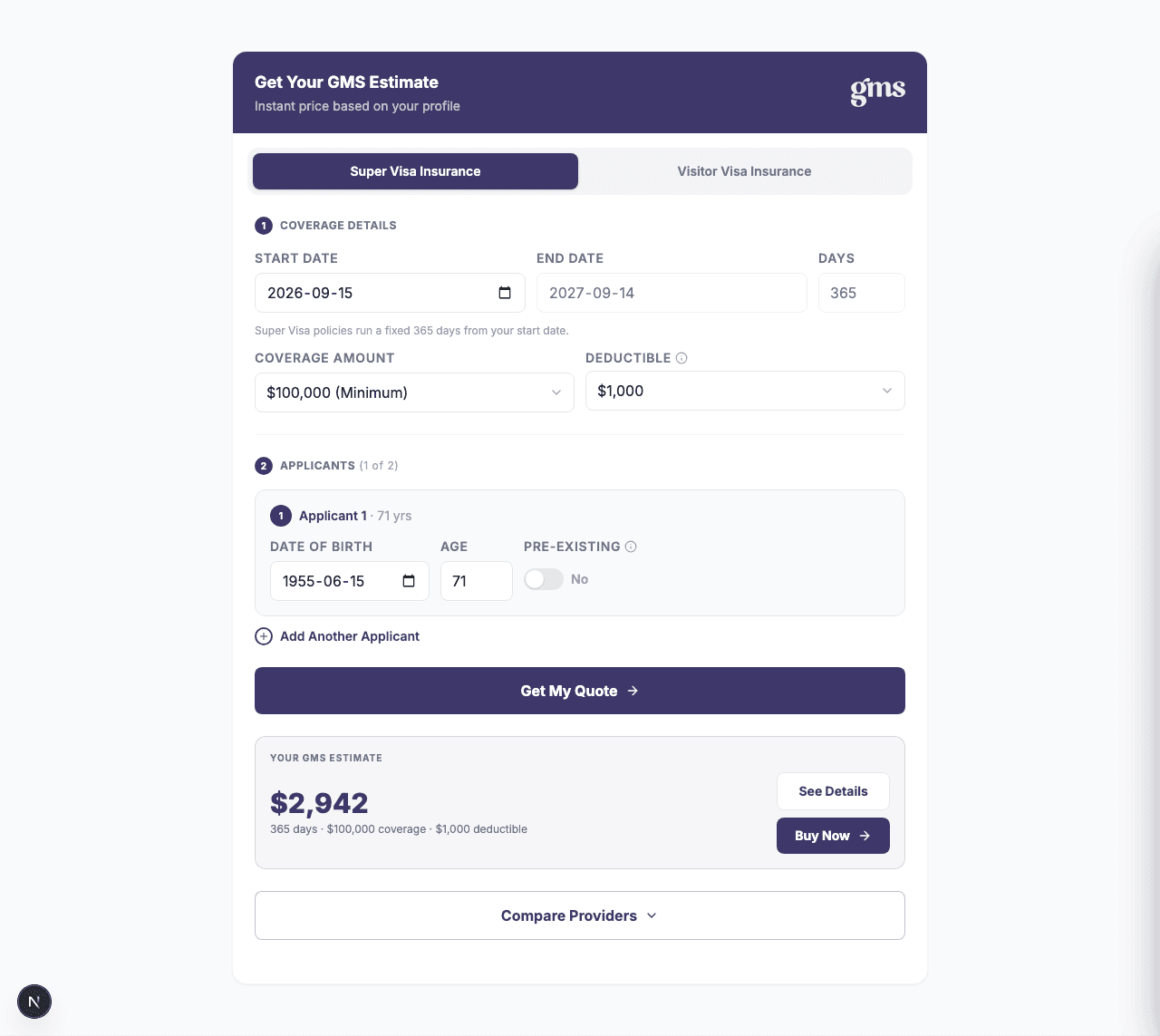
Get a quote for one specific company
Already know who you want? Visit that provider's own page — for example our GMS page — and use its calculator to get a quote scoped to just that company.
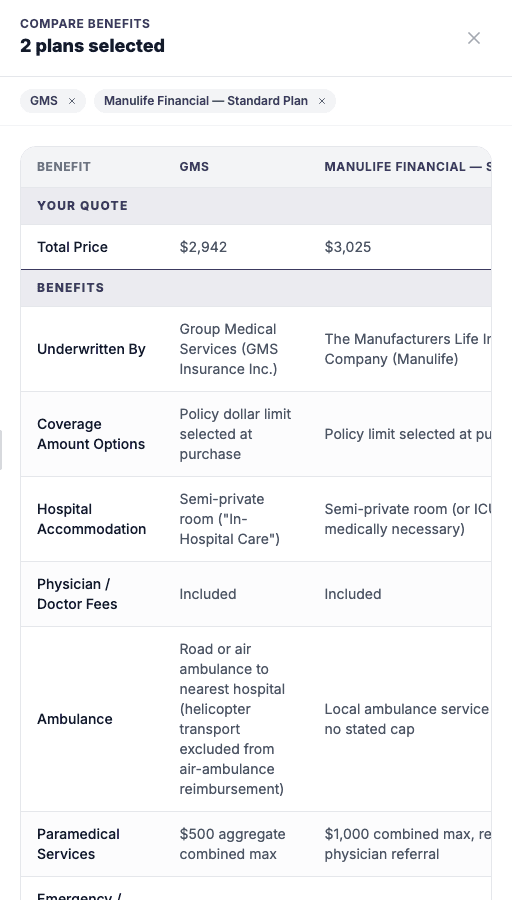
Compare that provider against others
After getting a quote on a provider page, use "Compare Providers" to add a couple of other companies and see benefits side by side before you decide.
View and download policy documents
"See Details" on any quote opens the full benefit breakdown, plus the official policy wording PDF for that plan — ready to download or attach to a visa application.

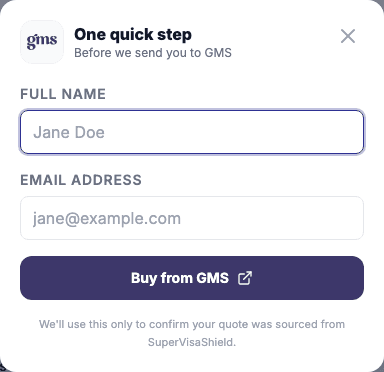
Complete the purchase
"Buy Now" on the plan you've chosen asks for a name and email, then sends you straight to the insurer to finish your purchase securely.
Watch
Prefer a Video?
A short walkthrough of the site, straight from our YouTube channel.